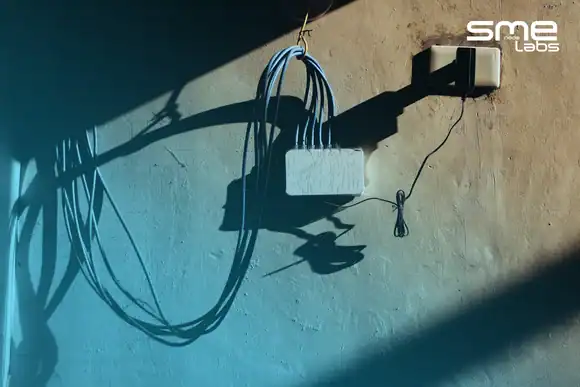
Somebody plugged a switch into the meeting room jack. Your port is down, the log says err-disabled, and nobody can find the cable.
That’s BPDU guard doing exactly what you told it to do.
Here’s the short version. BPDU guard shuts down an access port the instant that port receives a BPDU. No negotiation, no delay. A BPDU on a desk jack means somebody connected a switch where a laptop should be, and the port goes to errdisable before that switch can join how spanning tree protocol picks a root bridge and reshape your whole topology.
The part most guides skip is what happens next. The port doesn’t come back on its own. Not in 30 seconds, not in an hour, not even after you unplug the rogue switch. Somebody has to bring it back.
This article covers what BPDU guard actually blocks (and the ports it quietly doesn’t cover), the config commands for both classic IOS and IOS-XE, and the full recovery workflow: reading the log, manual recovery, automatic recovery, and the one timer behaviour that makes engineers think their config is broken when it isn’t.
What Does BPDU Guard Do?
BPDU guard watches an access port for BPDUs and disables the port if one arrives.
That’s the whole feature. The logic behind it is what makes it useful. A BPDU (Bridge Protocol Data Unit) is the message switches send each other to run the spanning tree election.
Laptops don’t send them. Printers don’t send them. IP phones don’t send them.
So a BPDU arriving on a port that’s supposed to have a desk device on the end of it means one thing: there’s a switch there.
And an unplanned switch is a problem. It might have a lower bridge priority than your core, which means it wins the root bridge election and your traffic suddenly takes a scenic route through a $40 unmanaged box under somebody’s desk. Or it loops two jacks together and floods the VLAN.
BPDU guard removes the question. Port sees a BPDU, port goes down, problem contained.
Per Cisco’s own documentation, the port is placed in the errdisable state and the entire port is shut. Not the VLAN. The port.
Think of it like a fire door. It doesn’t try to work out whether the smoke is serious. It just closes.
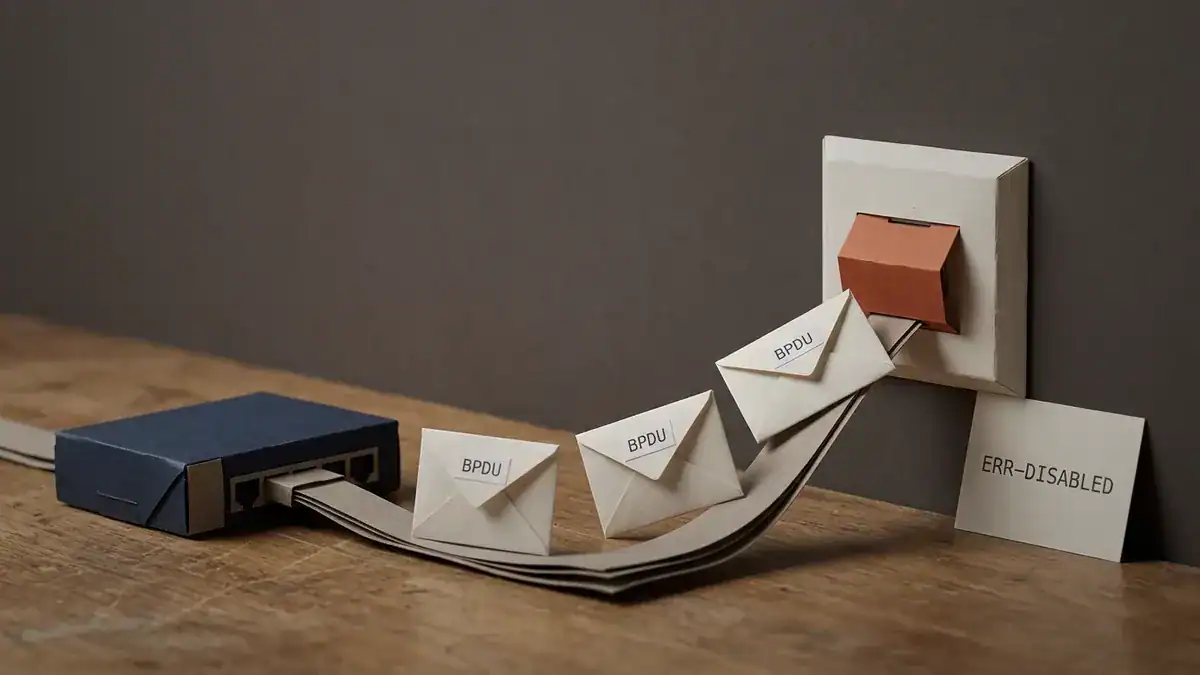
A BPDU arrives on a desk jack. The port is shut before the sender finishes introducing itself.
Want to see it fire before you meet it in production? See what’s inside the CCNA Lab Workbook, including the STP toolkit walkthroughs with full topologies and verified output.
What BPDU Guard Blocks, and What It Doesn’t
This is where most deployments have a gap they don’t know about.
BPDU guard blocks inbound BPDUs on the ports you enabled it on. That’s it. It’s not a general rogue-device detector.
It won’t stop somebody plugging in a laptop and running Wireshark. It won’t catch a rogue DHCP server. It won’t notice a device spoofing a MAC address.
Those need DHCP snooping, port security and dynamic ARP inspection, which are separate features doing separate jobs.
What it does cover is the single most common Layer 2 accident in a branch office: somebody extends their desk with a cheap switch.
Here’s the subtlety that costs people. There are two ways to turn BPDU guard on, and they don’t cover the same ports.
The global command covers PortFast ports only. The interface command covers whatever port you put it on, PortFast or not. Cisco’s Catalyst 9500 configuration guide says this directly: you can use the interface command to enable BPDU guard on any port without also enabling PortFast.
So if you ran the global command and assumed every access port was protected, check again. Any access port that never got PortFast is sitting there unguarded.
Priya took over a 40-switch campus in February 2026 and found
spanning-tree portfast bpduguard defaultsitting in the global config on all of them. Looked fine. She spot-checked withshow spanning-tree interface Gi1/0/14 detailand found 60-odd ports across the estate with no PortFast, which meant no BPDU guard. They’d been converted from trunk to access over the years and nobody re-applied the host template. One of them was the lobby jack. She fixed it with an interface-range template in an afternoon, but the global command had been giving her predecessors a false sense of coverage for three years.
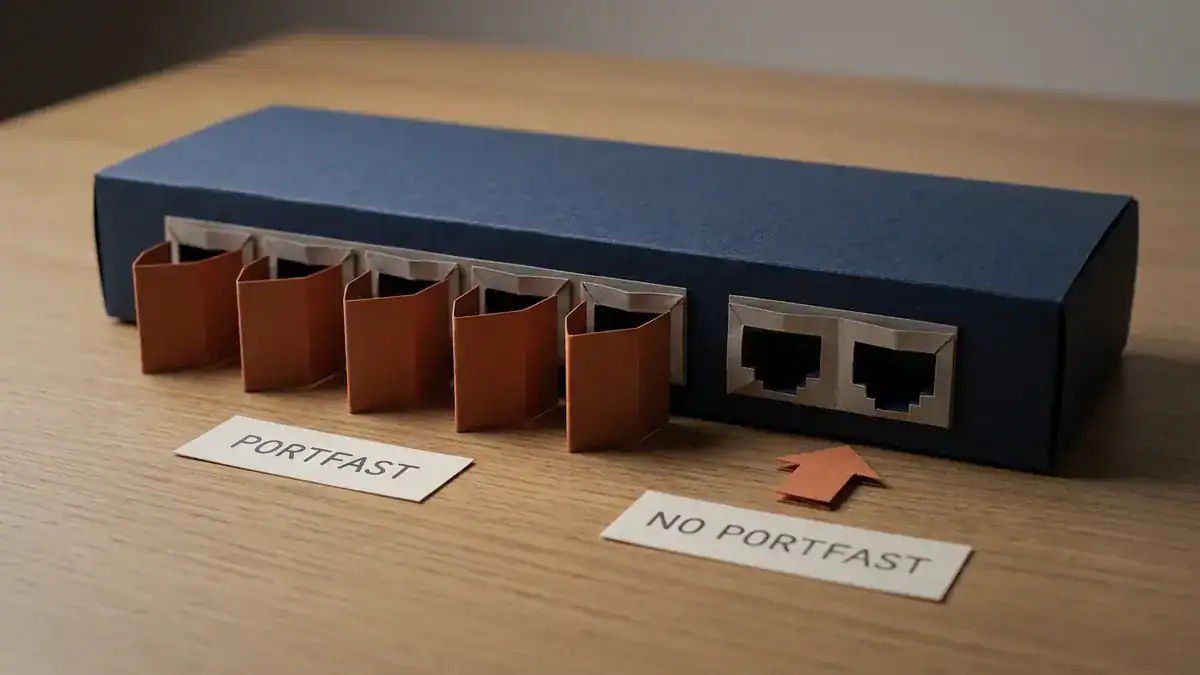
The global command guards the PortFast ports and nothing else. The two on the right are the ones nobody audits.
How to Configure BPDU Guard on a Cisco Switch
Three commands to know, plus one rename that catches people out on newer gear.
On a single interface
Put it on the host-facing ports, along with PortFast:
Switch(config)# interface range GigabitEthernet1/0/1-24
Switch(config-if-range)# switchport mode access
Switch(config-if-range)# switchport access vlan 10
Switch(config-if-range)# spanning-tree portfast
Switch(config-if-range)# spanning-tree bpduguard enable
PortFast and BPDU guard belong together. Always. PortFast tells the switch “skip the safety check on this port and start forwarding right away.” BPDU guard is what makes that safe. PortFast on its own is how a meeting room takes down a floor.
If you need to turn it off on one port later, the interface command has an explicit off switch:
Switch(config-if)# spanning-tree bpduguard disableUse disable, not no. On a switch running the global default, no spanning-tree bpduguard enable just drops back to inheriting the global setting, which is still on. disable actually overrides it.
Globally, and the trap in that word
Switch(config)# spanning-tree portfast bpduguard defaultRead that command carefully. It says portfast bpduguard default, and it means what it says: every port that’s in a PortFast operational state inherits BPDU guard. Ports without PortFast get nothing.
It’s a good command. Just don’t read it as “protect everything.”
IOS-XE renamed it to portfast edge
On Catalyst 9000 series and current IOS-XE, the keyword changed:
Switch(config)# spanning-tree portfast edge bpduguard default
Switch(config-if)# spanning-tree portfast edge
Switch(config-if)# spanning-tree bpduguard enable
Same behaviour, extra word. Every guide still ranking for this topic shows only the classic form, so if you’re labbing on a 9000v and the command won’t take, that’s why. The interface-level spanning-tree bpduguard enable is identical on both.
How to check BPDU guard status
Configuring it is half the job. Verify per-port:
Switch# show spanning-tree interface GigabitEthernet1/0/14 detailLook for the line reading Bpdu guard is enabled. If it says enabled by default you’re inheriting from the global command, which also confirms PortFast is active on that port.
For a quick estate-wide view of what’s currently down:
Switch# show interfaces status err-disabledAlso worth reading before you need it: our breakdown of access ports and 802.1Q trunks, since a port in the wrong mode is the root cause behind a surprising share of BPDU guard tickets.
How to Recover an Err-Disabled Port
Your port is down. Here’s the order to work in.
Step 1: Read the log before you touch anything
Don’t reach for no shutdown yet. Find out what tripped it:
Switch# show logging | include BPDUGUARD|ERR_DISABLEOn current IOS you’ll see a pair like this:
%SPANTREE-2-BLOCK_BPDUGUARD: Received BPDU on port GigabitEthernet1/0/14
  with BPDU Guard enabled. Disabling port.
%PM-4-ERR_DISABLE: bpduguard error detected on Gi1/0/14, putting Gi1/0/14
  in err-disable state
Two messages, two jobs. The first names the feature that fired and the port. The second confirms the port went to errdisable. If you only see the second one, check the cause word in it, because BPDU guard is one of twenty things that can err-disable a port.
Then confirm the state and the reason:
Switch# show interfaces status err-disabled

Port      Name       Status            Reason           Err-disabled Vlans
Gi1/0/14  Reception  err-disabled      bpduguard
Now go find the device. Seriously. A port that err-disabled for bpduguard means a switch is plugged into that jack, and if you re-enable without removing it, you’ll be back in two seconds. Check your MAC address table history, CDP or LLDP neighbours, or walk the cable.
Step 2: Manual recovery
Once the rogue device is gone, bounce the port:
Switch(config)# interface GigabitEthernet1/0/14
Switch(config-if)# shutdown
Switch(config-if)# no shutdown
Both lines. no shutdown on its own does nothing to a port in errdisable, which trips up a lot of people the first time. The port has to be administratively shut and then brought back.
That’s Cisco’s documented manual method, and for a security-sensitive port it’s the right one, because it forces a human to look at the problem.
Step 3: Automatic recovery
For a campus with 800 desk ports and one network admin, manual recovery doesn’t scale. Turn on the timer:
Switch(config)# errdisable recovery cause bpduguard
Switch(config)# errdisable recovery interval 300
The first line says which cause to auto-recover. The second sets how long to wait. Per the Catalyst 9500 command reference, the interval accepts 30 to 86,400 seconds and defaults to 300. Recovery is disabled for every cause by default, so if you’ve never run these commands, nothing is auto-recovering.
Verify it:
Switch# show errdisable recovery

ErrDisable Reason      Timer Status
-----------------      --------------
bpduguard              Enabled
link-flap              Disabled
udld                   Disabled

Timer interval: 300 seconds

Interfaces that will be enabled at the next timeout:
Interface     Errdisable reason    Time left(sec)
Gi1/0/14      bpduguard            213
That last block is the useful bit. It tells you exactly which ports are queued and how long each has left.
The timer isn’t quite the timer you set
Here’s a detail that isn’t in any of the guides currently ranking for this, and it explains a support ticket you’ve probably seen.
Cisco randomises the recovery timer. The command reference puts it plainly: the timer is initialised at a random differential from the configured value, and the difference can be up to 15 percent.
Set 300 seconds and ports come back somewhere between roughly 255 and 345. Set 30 and you’ll see anywhere from about 26 to 35.
It’s deliberate. If a power event err-disabled 400 ports at once, you don’t want all 400 renegotiating in the same second. The jitter spreads the load. But if you’ve been timing it with a stopwatch and concluding the config didn’t apply, now you know.
When you shouldn’t automate it
Auto-recovery is convenient, and it’s the wrong answer sometimes.
If the rogue switch is still plugged in, the port will cycle: recover, receive a BPDU, err-disable, wait, recover again. Forever. Each cycle is a topology change notification rippling through your network. A 30-second interval turns one unauthorised switch into a permanent low-grade flap that’s genuinely harder to diagnose than a port that simply stayed down.
Practical middle ground most teams land on:
- Desk and meeting-room ports: auto-recovery at 300 seconds. Long enough that a flap is obvious in the logs, short enough that a legitimate mistake fixes itself.
- Server, uplink, and anything in a secure area: manual only. If those err-disable, you want a human looking at it.
- Any port that has err-disabled twice in a week: take it off auto-recovery until you know why.
Worth knowing the STP port states here too, because a recovered port walks back through listening and learning unless PortFast puts it straight into forwarding.
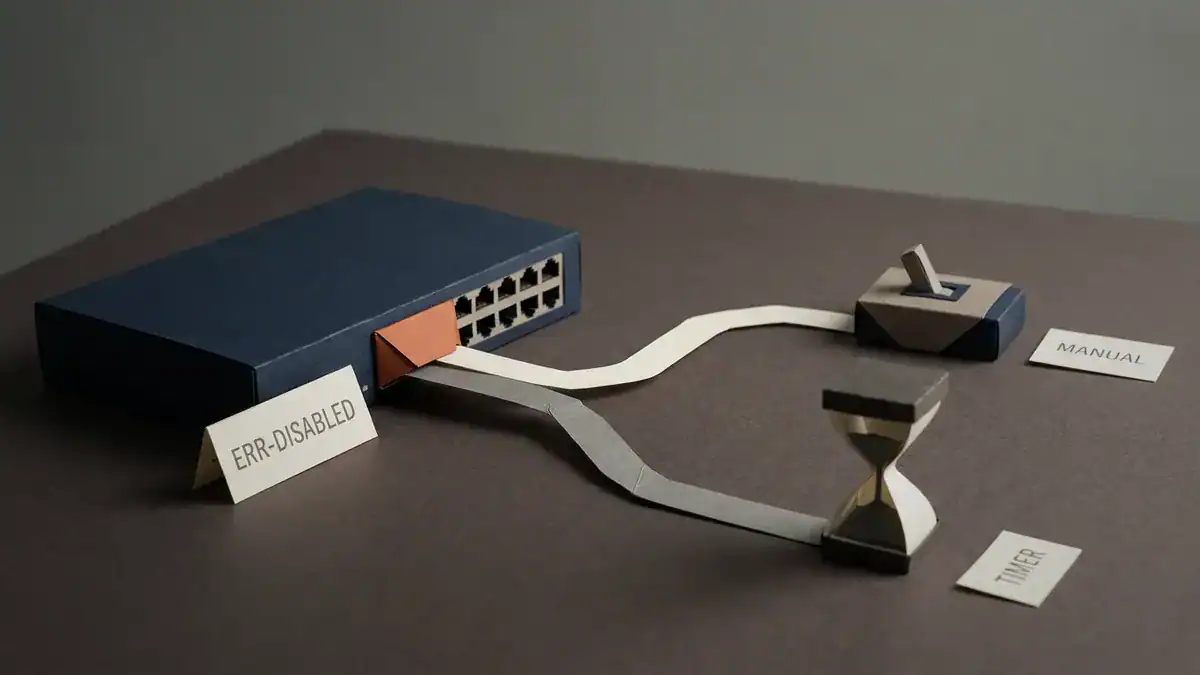
Two ways back. One makes a human look at the problem, the other doesn’t.
Ready to break it on purpose and watch it recover? The CCNA Lab Workbook has the full BPDU guard topology with the rogue switch, the log output to expect, and both recovery paths.
BPDU Guard vs Root Guard vs Loop Guard vs BPDU Filter
Four features, four different jobs, and they get mixed up constantly. The clean way to keep them straight is to ask what each one does when a BPDU shows up.
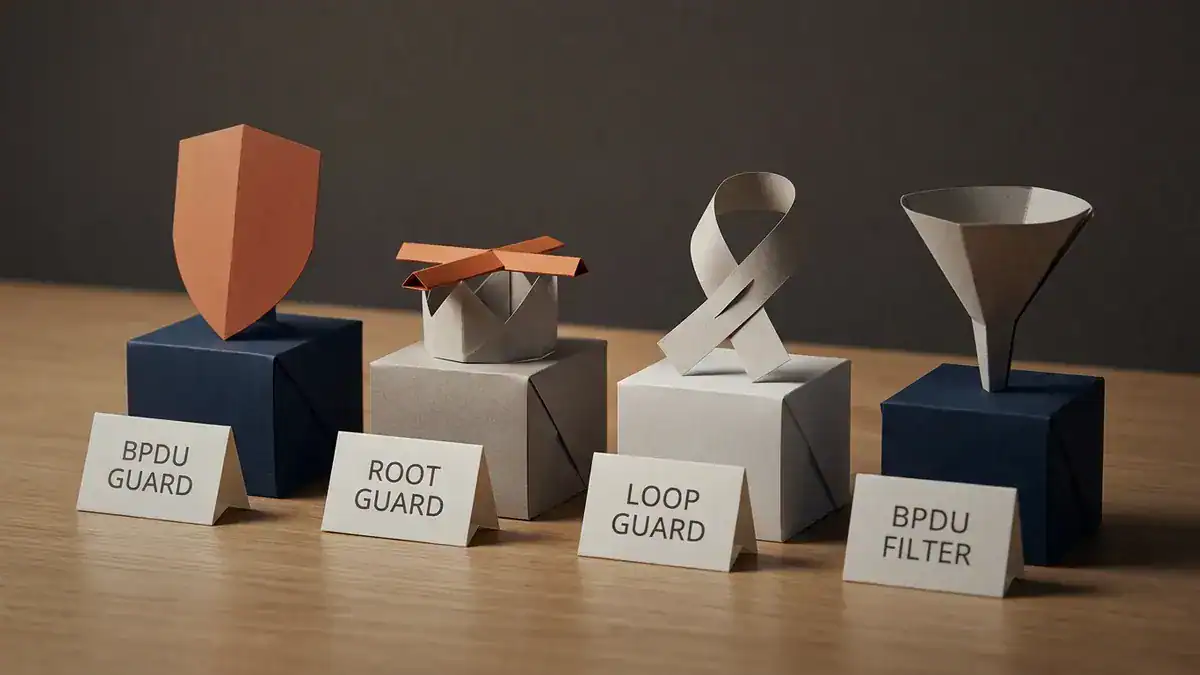
Four features, four jobs. Only one of them shuts the port.
| Feature | Where it goes | Trigger | What it does | Port recovers how |
|---|---|---|---|---|
| BPDU guard | Access ports facing hosts | Any BPDU received | Shuts the port to errdisable | Manual, or errdisable recovery timer |
| Root guard | Downstream ports facing other switches | A superior BPDU received | Puts the port in root-inconsistent, blocks data | Automatic, as soon as superior BPDUs stop |
| Loop guard | Root and alternate ports on switch links | BPDUs stop arriving | Puts the port in loop-inconsistent, blocks data | Automatic, when BPDUs resume |
| BPDU filter | Access ports, carefully | BPDUs in either direction | Suppresses them, port stays up | N/A, port never goes down |
The two most common mix-ups:
BPDU guard vs root guard. BPDU guard says “no switches here at all” and kills the port. Root guard says “switches are fine, but you’re not becoming my root bridge” and only blocks if a better BPDU arrives. One is for desk jacks, the other is for links to switches you don’t fully control.
BPDU guard vs BPDU filter. These sound similar and behave like opposites. BPDU guard shuts the port down when it sees a BPDU. BPDU filter makes the port ignore BPDUs and carry on forwarding.
Filter is genuinely dangerous on access ports: you’ve disabled loop detection on a port while leaving it live. Use it rarely, and know why.
Notice the recovery column. BPDU guard is the only one of the four that needs you to do something. Root guard and loop guard clear themselves once the condition goes away. That asymmetry is exactly why “how do I recover an err-disabled port” is such a common search and “how do I recover a root-inconsistent port” isn’t.
Why Does Your Port Keep Going Err-Disabled?
If BPDU guard fires more than once on the same port, the device on the end isn’t going away. Five causes, roughly in order of how often they turn out to be the answer.
| Cause | What’s actually happening | Fix |
|---|---|---|
| Unmanaged switch on a desk jack | Cheap switches still send BPDUs. Yes, even the $30 ones | Remove it, or make that port a sanctioned uplink |
| A trunk port converted to access | Port faces a real switch and always will | Remove BPDU guard from that port, set it back to trunk |
| Virtualisation host with a soft switch | Some vSwitch configs forward BPDUs from guest VMs | Turn off BPDU forwarding on the vSwitch, not on your switch |
| IP phone with a PC passthrough | Rare, but some models pass BPDUs from the daisy-chained device | Check what’s plugged into the phone’s PC port |
| PortFast on a switch-to-switch link | Somebody templated the whole range without checking | Remove PortFast and BPDU guard from that port |
Daniel spent most of a Thursday in May 2026 chasing a port on the third floor that err-disabled roughly every four minutes. He’d set auto-recovery to 240 seconds, so the flap was steady enough to look like a hardware fault. He swapped the SFP. He swapped the patch lead. The log kept saying
bpduguard. Turned out a contractor had put a 5-port switch behind a monitor stand to get a second jack, and the monitor stand was wide enough that nobody spotted the thing for six weeks. The lesson stuck: when the cause word saysbpduguard, the cable is the problem, not the optics.
Do unmanaged switches send BPDUs? Most do. Cheap ones sometimes don’t, which is worse, because then BPDU guard never fires and you get a silent loop instead of a clean shutdown. That’s the case loop guard and storm control are there for.
Build the BPDU Guard Lab Yourself
Reading about errdisable is fine. Watching a port drop the instant you connect a rogue switch is what makes it stick.
Minimum topology: three switches, a couple of hosts, and one extra switch to play the intruder.
- Build a three-switch triangle and let spanning tree settle. Confirm which port is blocking.
- Put PortFast and BPDU guard on one access port on SW1.
- Attach a PC to that port, confirm it comes up immediately with no listening or learning delay.
- Pull the PC. Attach the fourth switch to that same port.
- Watch the log. You should get
%SPANTREE-2-BLOCK_BPDUGUARDfollowed by%PM-4-ERR_DISABLEwithin a couple of seconds. - Run
show interfaces status err-disabledand confirm the reason readsbpduguard. - Try
no shutdownon its own. Watch it do nothing. Then doshutdownthenno shutdownproperly. - Add
errdisable recovery cause bpduguardanderrdisable recovery interval 30. Leave the rogue switch plugged in. Watch the port flap on a loop, and see why auto-recovery isn’t free.
Step 8 is the one worth doing. It’s the difference between knowing the command and knowing when not to use it.
For the platform, Packet Tracer handles this one fine if you just want the port states and the log messages. For real IOS output and the full show errdisable recovery timer block, you want EVE-NG. Install EVE-NG first, then add switch images to EVE-NG so you’ve got something that actually runs spanning tree. From there, our list of free CCNA labs you can build in EVE-NG has the switching topologies ready to go.
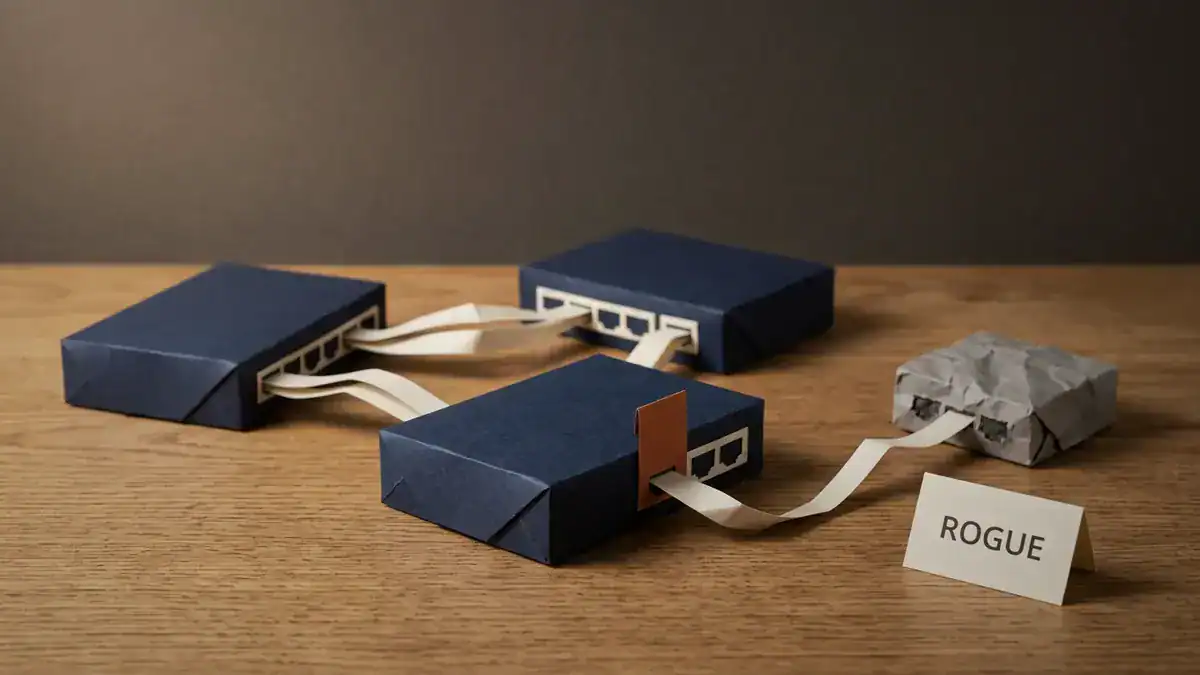
Three switches, one intruder, one shut port. Build it and step 8 stops being theory.
BPDU Guard on the CCNA Exam
On the current CCNA 200-301 v1.1 blueprint, BPDU guard sits in topic 2.5 under Network Access: interpret Rapid PVST+, covering root bridge and port roles, port states, PortFast, root guard, loop guard, BPDU filter and BPDU guard.
Note the verb. Interpret. Cisco wants you reading output and saying what’s wrong with it, not reciting a definition.
CCNA v2.0 goes live on 2027-02-03, with 2027-02-02 the last day to sit v1.1. Switching and Network Access grows in the new version and spanning tree coverage expands rather than shrinks. Our breakdown of what changed in the CCNA v2.0 blueprint has the full domain weights.
One exam phrasing shows up often enough to flag: which network attack is mitigated by enabling BPDU guard? The answer they want is a spanning tree / STP manipulation attack, where an attacker plugs in a switch with a low bridge priority to become root and put themselves in the path of your traffic.
Amir sat his CCNA in March 2026 and got a drag-and-drop matching four STP features to four descriptions. He’d memorised what each one did. What he hadn’t practised was the recovery column, and two of the four descriptions were about how the port comes back. He got the BPDU guard one wrong because he assumed it self-cleared like root guard does. He passed anyway, at 847. But his advice to the next person was blunt: learn the four features by how they recover, not by what triggers them, because that’s the axis the exam separates them on.
BPDU guard also appears on Network+ N10-009 under network hardening. Our Network+ N10-009 practice test has questions on the STP toolkit if you’re going that route first.
BPDU Guard FAQ
What does BPDU stand for?
Bridge Protocol Data Unit. It’s the frame switches exchange to run the spanning tree election, sent to the multicast MAC address 01:80:C2:00:00:00, every two seconds by default. It carries the sender’s Bridge ID, the Bridge ID of the switch it currently thinks is root, and the cost to reach that root.
What does BPDU Guard do?
It shuts down a port the moment that port receives a BPDU. The port goes into errdisable state and stops forwarding entirely. The point is to stop an unauthorised switch from joining the spanning tree topology and potentially becoming the root bridge.
How do I enable BPDU Guard?
On one interface: spanning-tree bpduguard enable. Globally for all PortFast ports: spanning-tree portfast bpduguard default on classic IOS, or spanning-tree portfast edge bpduguard default on IOS-XE. The global form only covers ports that have PortFast, so check your access ports individually if you’re relying on it.
How do I turn off BPDU guard?
On a single port, spanning-tree bpduguard disable. Use disable rather than no spanning-tree bpduguard enable, because on a switch with the global default set, the no form falls back to inheriting the global setting, which is still on. To remove it everywhere, no spanning-tree portfast bpduguard default.
How to clear BPDU guard errdisable?
Find and remove the device that sent the BPDU first. Then shutdown followed by no shutdown on the interface. no shutdown alone won’t do it. For automatic clearing, errdisable recovery cause bpduguard plus errdisable recovery interval <30-86400>.
What causes an error disabled port?
BPDU guard is one of about twenty causes. Others include UDLD, link flap, port security violations, storm control, ARP inspection, channel misconfiguration and DHCP rate limiting. Run show interfaces status err-disabled and read the Reason column before assuming which one fired.
Do unmanaged switches send BPDUs?
Most of them do, which is why BPDU guard catches them. Some very cheap models don’t participate in spanning tree at all. Those are more dangerous, not less, because BPDU guard never fires and a loop through that switch goes undetected until broadcast traffic saturates the segment.
What is the difference between BPDU Guard and Root Guard?
BPDU guard shuts the port down on any BPDU and needs manual or timer-based recovery. Root guard only reacts to a superior BPDU, blocks data while leaving the port up, and clears itself automatically once the superior BPDUs stop. BPDU guard goes on host-facing access ports. Root guard goes on ports facing switches you don’t fully control.
What’s the best practice for BPDU guard?
Put PortFast and BPDU guard together on every host-facing access port, with no exceptions. Never put either on a switch-to-switch link. Set auto-recovery at around 300 seconds for desk ports and leave server and uplink ports on manual. And audit the ports periodically, because access ports drift over the years and the global command won’t protect the ones that lost PortFast.
Bottom Line
BPDU guard is one of the cheapest wins in switching. Two lines of config per access port, and the most common Layer 2 accident in any office stops being an outage and becomes a ticket.
Four things to take away:
- BPDU guard shuts the port, it doesn’t just block it. The port goes to
errdisableand stays there until you or a timer bring it back. - The global command only covers PortFast ports. The interface command covers any port. Audit yours, because that gap is usually bigger than people expect.
- Find the device before you re-enable. Re-enabling with the rogue switch still plugged in just starts the cycle again.
- Auto-recovery is a tool, not a default setting. 300 seconds on desk ports, manual on anything that matters, and expect the timer to be up to 15% off what you configured.
Next step is to build it. Nothing about errdisable feels real until you’ve watched a port drop two seconds after plugging in a switch you weren’t supposed to plug in.
The CCNA Lab Workbook has the BPDU guard topology, the log output to expect at each step, and both recovery paths laid out so you can break it and fix it without guessing. If you’d rather work through it with an instructor watching your config, the live CCNA course at SMEnode Academy covers the full STP toolkit in the Network Access module.