Switch stacking joins up to eight access switches into one logical switch with one control plane. VSS, and StackWise Virtual on today’s Catalyst 9000, does the same for exactly two distribution or core switches. vPC keeps two Nexus switches fully independent and only lets them share a port channel. Stack the access layer, pair the distribution layer, use vPC in the data centre.
That’s the short version. The real difference comes down to one question: how many brains are running the pair? One brain is simpler to manage. Two brains are harder to take down together. Everything else follows from that.
| Switch stacking (StackWise) | VSS / StackWise Virtual | vPC | |
|---|---|---|---|
| Platforms | Catalyst 9300 and other stackable Catalyst models | VSS: Catalyst 6500/6800, 4500. SVL: Catalyst 9400/9500/9600 | Nexus |
| Members | Up to 8 (Catalyst 9300) | Exactly 2 | Exactly 2 |
| Control planes | 1 | 1 (active + hot standby, SSO) | 2, independent |
| Interconnect | StackWise cables on dedicated stack ports | Ethernet links (VSL / SVL) | Peer-link + separate peer-keepalive |
| Management | One IP, one config | One IP, one config | Two switches, two configs |
| Typical layer | Access | Distribution / collapsed core | Data centre access/aggregation |
| Software upgrade | Whole stack reloads | ISSU documented for SVL | ISSU, one peer at a time |
| Split-brain guard | Hellos and keepalives over the stack | Dual-active detection | Peer-keepalive |
What Is Switch Stacking?
Switch stacking connects several physical switches with dedicated stack cables so they run as one logical switch. One member is elected active and runs the control plane. A second is the standby, ready to take over. Everything else is a member that forwards traffic and follows orders.
You log in to one IP address. You edit one configuration. Interfaces just pick up a switch number, so GigabitEthernet3/0/12 is port 12 on member 3.
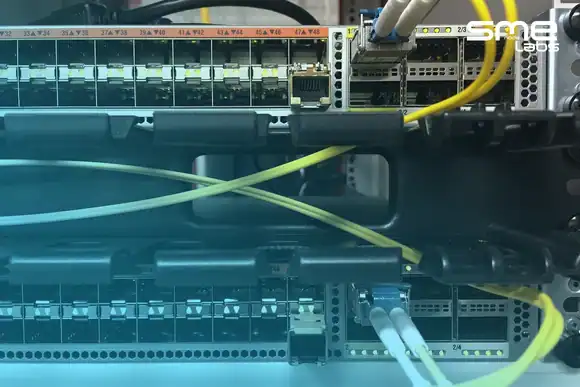
Cisco StackWise is the name for this on Catalyst switches. On the Catalyst 9300, Cisco says “A switch stack can have up to eight stacking-capable switches connected through their StackWise-480 ports,” and the Catalyst 9300L uses StackWise-320 ports instead (Cisco, Catalyst 9300 Stacking and High Availability Configuration Guide, IOS XE 17.18). The StackWise cable plugs into those dedicated stack ports, not into your front-panel uplinks. That’s what makes it stacking rather than cascading.
The big win of switch stacking is cross-stack EtherChannel. Run one uplink from member 1 and one from member 2 into the same port channel, and the upstream switch sees one logical link with both cables forwarding (Cisco, Catalyst 9300 Layer 2 Configuration Guide, 17.18). No blocked port. If EtherChannel and LACP are fuzzy, read that first, because every model in this article is really a trick for stretching one port channel across two boxes.
How Does a Cisco Switch Stack Elect Its Active Switch?
Cisco lists four tie-breakers, applied in this order:
- The switch that’s already the active switch.
- The switch with the highest stack member priority.
- The switch with the shortest start-up time.
- The switch with the lowest MAC address.
Most explanations skip number 3. It’s in the 17.18 guide, so it’s on the table.
Cisco switch stack priority runs from 1 to 15 and defaults to 1. Higher wins. You set it from privileged EXEC mode, not config mode:
Switch# switch 1 priority 15
Switch# switch 2 priority 14
Here’s the gotcha that catches people in labs. Cisco says the new priority value “takes effect immediately but does not affect the current active switch.” And when a failed active comes back, “it does not resume its role as the active switch.” No pre-emption. Ever.
Walk it through. You’ve got a four-member stack with priorities 15, 14, 1 and 1.
- SW1 (15) is active and SW2 (14) is standby.
- SW1 dies. SW2 becomes active. A new standby is picked from SW3 and SW4. They tie on priority, so start-up time decides, then MAC.
- SW1 boots back in. It joins as a member. It does not take active back, priority 15 or not.
- You set SW3 to priority 15 to “fix” it. Nothing moves until the active switch or the whole stack resets.
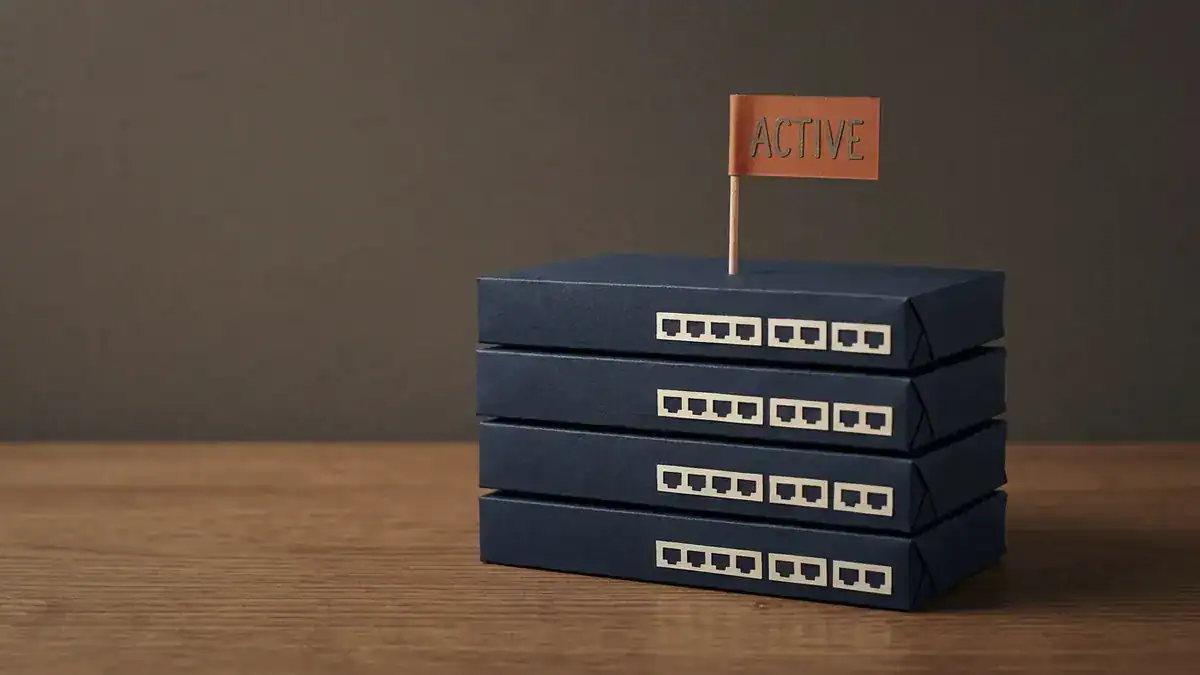
One active switch runs the stack. Priority runs from 1 to 15 (default 1) and a Catalyst 9300 stack holds up to eight members, but a higher priority never takes the active role back on its own.
A representative show switch before the failure looks like this. The MACs are made up; the columns follow Cisco’s documented format.
Switch# show switch
Switch/Stack Mac Address : 00a1.b2c3.0001
                                             H/W   Current
Switch#   Role    Mac Address     Priority Version  State
-------------------------------------------------------------
*1       Active   00a1.b2c3.0001     15     V01     Ready
 2       Standby  00a1.b2c3.0002     14     V01     Ready
 3       Member   00a1.b2c3.0003     1      V01     Ready
 4       Member   00a1.b2c3.0004     1      V01     Ready
During the switchover, Cisco says the new active “becomes available after a few seconds,” while the stack keeps forwarding from the tables already in memory. The physical ports on the other members aren’t touched.
What Happens When a StackWise Cable Breaks?
You cable a stack as a ring: member 1 to 2, 2 to 3, and so on, then the last one back to member 1. Cisco calls that the full-ring state. Lose one cable and you’re in a partial ring. Everything still works, just slower. Cisco’s guide notes that with a stack port disabled, “the stack operates at half bandwidth.”
So one bad cable doesn’t take you down. It quietly halves your stack bandwidth until someone notices. Check it with:
Switch# show switch stack-ports summary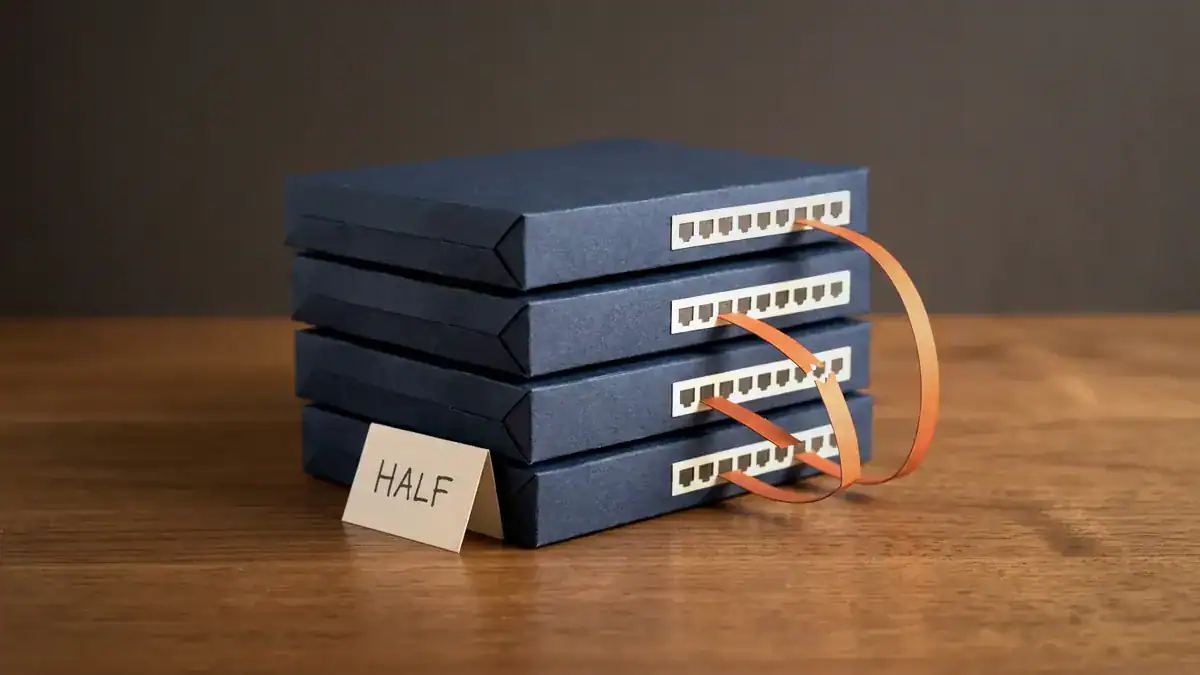
One broken stack cable turns the full ring into a partial ring. Everything keeps forwarding, at half the stack bandwidth, until someone runs show switch stack-ports summary.
Make that part of your post-change checklist. Honestly, it’s the most-skipped command in a stack.
What Are the Disadvantages of Stacking Switches?
The thing that makes a stack easy to run is the same thing that makes it fragile. One control plane means shared fate.
- One software image for everyone. Cisco says all members “must be running compatible software versions.” In Cisco’s own 17.18 install-mode upgrade example, the activate step runs “on all members” and the stack then reloads (Cisco, Catalyst 9300 Release Notes, 17.18). Plan an upgrade as an outage for the whole stack.
- Merging reloads everything. Add a powered-on switch or a second stack and “all switches” reload and elect a new active.
- A control plane bug hits every member. There’s no second brain to keep running.
- It’s a closet technology. Stack members sit centimetres apart on short cables. You can’t stretch a stack between buildings.
- More cables isn’t more speed for one flow. A port channel hashes each conversation onto a single link, so one flow over 2 x 10G still tops out at 10G.
None of that makes stacking bad. It makes it an access-layer answer. Losing a closet for a planned 10-minute reload is usually fine. Losing your distribution layer isn’t.
What Is VSS, and Is It Still Worth Learning?
VSS (Virtual Switching System) joins two chassis into one logical switch. One supervisor is active, the other sits in hot standby with stateful switchover (SSO). The chassis talk over a Virtual Switch Link (VSL) made of ordinary Ethernet ports. Downstream switches connect with a Multichassis EtherChannel (MEC), one port channel with members on both chassis (Cisco, Configure VSS on Catalyst 4500).
Same idea as a stack. Fewer boxes, bigger boxes, Ethernet instead of stack cables.
Is it still worth learning? As a concept, yes. As hardware, it’s on its way out. The Catalyst 6500 chassis that made VSS famous reached its last date of support on 2025-10-31, and the 6807-XL follows on 2027-04-30. Cisco points both at the Catalyst 9600 as the replacement (Cisco 6500 EoL notice, Cisco 6807-XL EoL notice). On the Catalyst 9000 family, the same job is done by StackWise Virtual.
StackWise Virtual vs VSS: What Changed?
StackWise Virtual (SVL) “pairs two directly connected switches into one virtual switch” with a single control and management plane (Cisco, Catalyst 9500 High Availability Configuration Guide, 17.18). It runs on the Catalyst 9400, 9500 and 9600, each of which has its own SVL chapter in the 17.18 guides.
What carries over from VSS: two members only, active/standby with SSO, MEC to downstream devices, and an Ethernet link between the pair. What’s worth knowing about SVL specifically:
- Both switches must be the same model, with the same licence level, software version and SDM template.
- You can configure up to 8 SVL links on the Catalyst 9500, all at the same speed.
- An MEC can carry up to eight physical links, spread across both members, and the pair supports up to 128 MECs.
- ISSU is documented for StackWise Virtual, so the pair can be upgraded while it forwards (Cisco, Configuring ISSU on StackWise Virtual, 17.18). That’s the big operational gap between SVL and a regular stack.
The base config is short. Both switches start as switch 1, so on the second one you first run switch 1 renumber 2 (valid numbers are 1 and 2). Then, on each switch:
Switch# configure terminal
Switch(config)# stackwise-virtual
Switch(config-stackwise-virtual)# domain 2
Switch(config-stackwise-virtual)# exit
Switch(config)# interface FortyGigabitEthernet1/1/1
Switch(config-if)# stackwise-virtual link 1
Switch(config-if)# end
Switch# write memory
Switch# reload
Domain IDs run from 1 to 255 (default 1), and both switches must use the same one. Note the reload. SVL and dual-active detection config don’t take effect until the switches reboot and form the pair.
How Does StackWise Virtual Dual-Active Detection Work?
Here’s the scary scenario. Every SVL link fails. The standby can’t hear the active, assumes it died, and takes over. But the original active is fine. Now you’ve got two active switches using the same IP addresses, SSH keys and STP bridge ID. Cisco calls that dual-active.
Dual-active detection (DAD) is the referee. You give the pair a separate path that isn’t part of the SVL, either a dedicated fast hello link between the two switches or enhanced PAgP over an MEC to an upstream or downstream Cisco switch:
Switch(config)# interface TenGigabitEthernet1/0/48
Switch(config-if)# stackwise-virtual dual-active-detection
When DAD spots a dual-active state, the original active “enters recovery mode and brings down all its interfaces, except the SVL and the management interfaces.” Traffic keeps flowing through the other switch. You repair the SVL, and by default that switch reloads and comes back as the standby.
Cisco calls DAD optional. Treat it as mandatory. A split-brain distribution pair can take down far more than one closet.
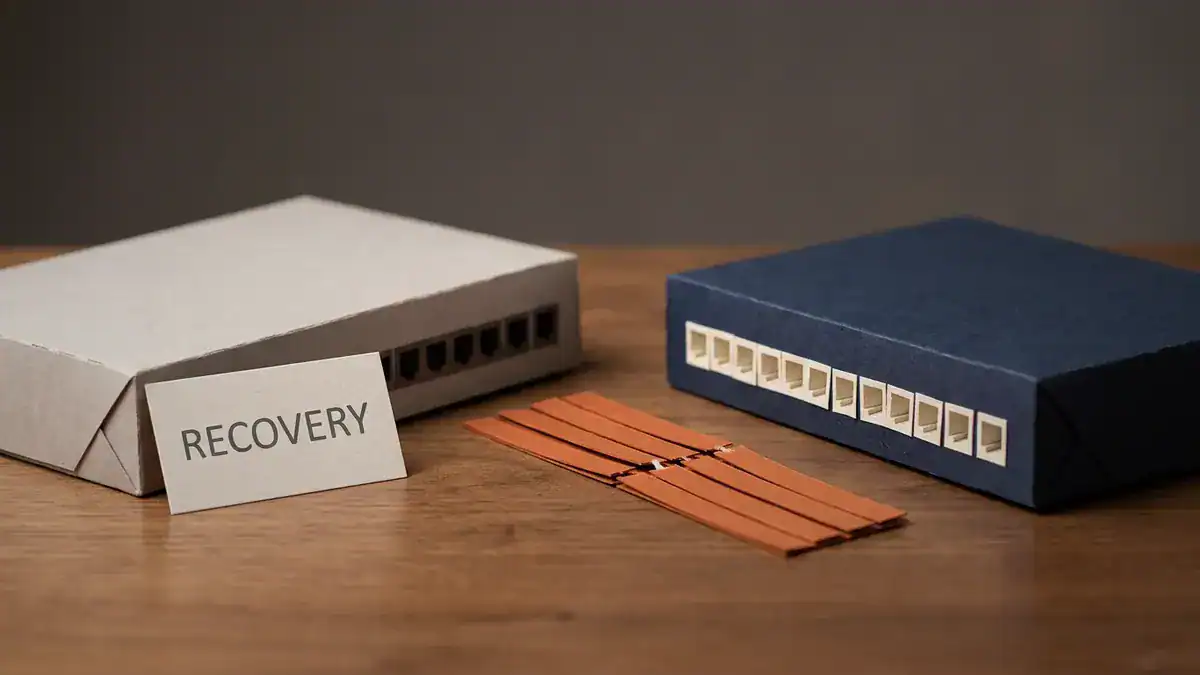
Every SVL link is down, so the original active enters recovery mode and shuts every port except the SVL and management interfaces. The other switch carries all the traffic.
What Is a Virtual Port Channel (vPC)?
A virtual port channel (vPC) lets a downstream device build one port channel to two separate Nexus switches. Unlike a stack or SVL, the two Nexus switches never merge. Cisco is blunt about it: “Each peer device in the vPC domain runs its own control plane, and both devices work independently” (Cisco, Understand and Configure Nexus 9000 vPC).
Two brains. Two configs. One shared port channel. The parts:
- vPC domain. The pair, identified by a domain number.
- Peer-link. A port channel between the two peers that keeps them in sync and carries traffic when one side has no local path.
- Peer-keepalive. A separate Layer 3 heartbeat, ideally on its own path, so each switch can tell “my peer is dead” from “the peer-link is dead”.
- vPC member ports. The downstream port channels, numbered with
vpc <id>.
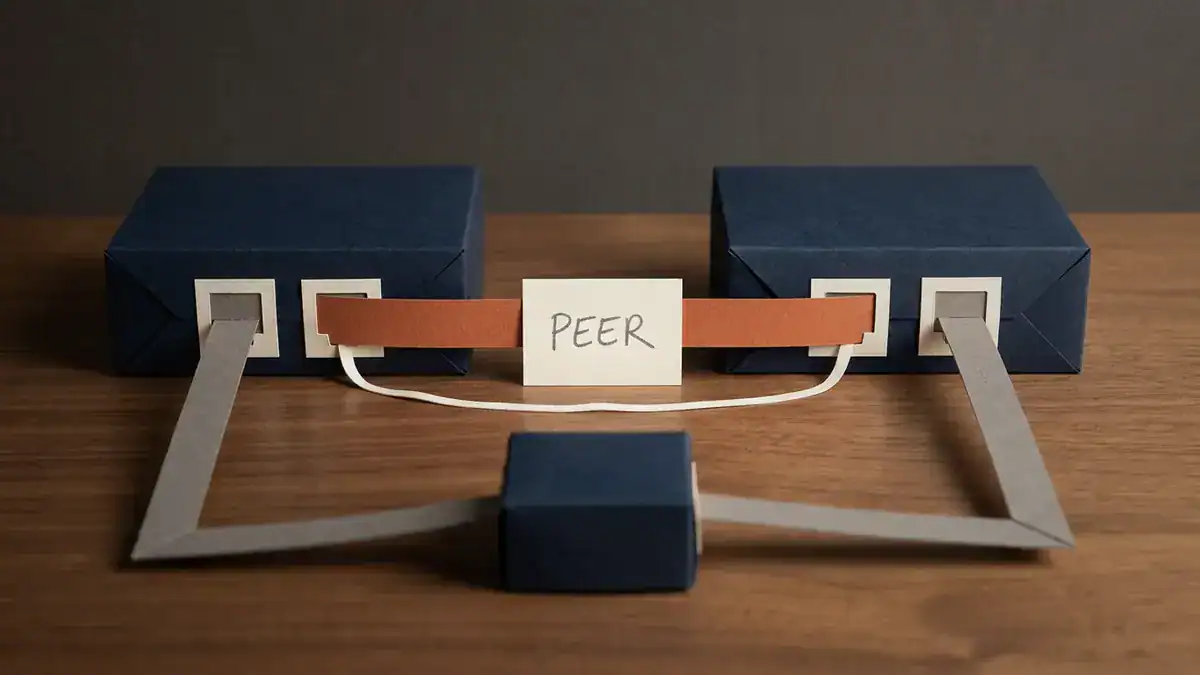
vPC parts: the peer-link (orange), a separate peer-keepalive (thin thread), and one port channel from the downstream switch to both peers. Role priority defaults to 32667, and lower wins.
From Cisco’s own example, the core config looks like this on one peer (the other swaps source and destination on the keepalive):
feature vpc
vpc domain 1
  peer-switch
  peer-keepalive destination 10.201.182.26 source 10.201.182.25
  peer-gateway
interface port-channel10
  vpc peer-link
interface port-channel20
  vpc 20
What does two brains buy you? Upgrades, mainly. Cisco recommends ISSU for vPC and says the upgrade is “serialized and must be run one at a time.” One peer upgrades while the other carries everything. A stack can’t do that.
The cost is more to manage. You keep two configs consistent yourself, and vPC runs consistency checks that will hold a vPC down if the two sides don’t match.
Which Nexus Becomes vPC Primary, and Why Doesn’t It Switch Back?
The two peers still elect a primary and a secondary. The primary handles BPDUs and answers ARP. The election is set out in Cisco’s vPC election guide:
- The vPC primary sticky bit.
- The configured role priority. Lower wins, and the default is 32667.
- The system MAC address. Lower wins.
Say N9K-A has role priority 100 and N9K-B keeps the default 32667. A becomes primary. Then A reloads. B takes over as operational primary and sets its sticky bit. When A comes back, B stays primary, even though A has the better priority, because the sticky bit is checked first. If you want A back as primary without a traffic hit, Cisco’s answer is vpc role preempt.
Same lesson as the stack. Priority decides the election. It doesn’t trigger one.
One more failure worth knowing. If the peer-link fails but the keepalive is still up, the secondary “suspends its vPC member ports” and shuts the SVIs for vPC VLANs. All traffic goes through the primary. That’s deliberate. Without a peer-link the two can’t stay in sync, so one steps back.
Worked Example: 12 Wiring Closets, Four Distribution Designs
Numbers make this concrete. Take a building with 12 wiring closets. Each closet has one 48-port access switch, so 576 user ports in all. Each access switch has two 10G uplinks, one to each distribution box.
Here’s what each distribution design gives you.
| Distribution design | Uplink forwarding per closet | Building total | One distribution box fails | Planned software upgrade |
|---|---|---|---|---|
| Two standalone switches + spanning tree | 10G per VLAN (second uplink blocked) | 120G | 10G per closet | One box at a time, STP reconverges |
| Two Catalyst 9300s in a stack, cross-stack EtherChannel | 20G | 240G | 10G per closet, standby takes over | Stack reloads as one: all 12 closets, all 576 ports, lose their uplink together |
| StackWise Virtual pair (Catalyst 9500), MEC | 20G | 240G | 10G per closet, SSO | ISSU documented, pair keeps forwarding |
| vPC pair (Nexus) | 20G | 240G | 10G per closet | ISSU one peer at a time, 120G total during each step |
Three things jump out.
Every multichassis design doubles usable uplink capacity, 120G to 240G, by getting rid of the blocked port. That’s the whole reason these technologies exist. With plain spanning tree, the second uplink sits blocked for each VLAN. You can claw some of it back by splitting VLANs across two root bridges with PVST+ or MST, but any single VLAN still has one path.
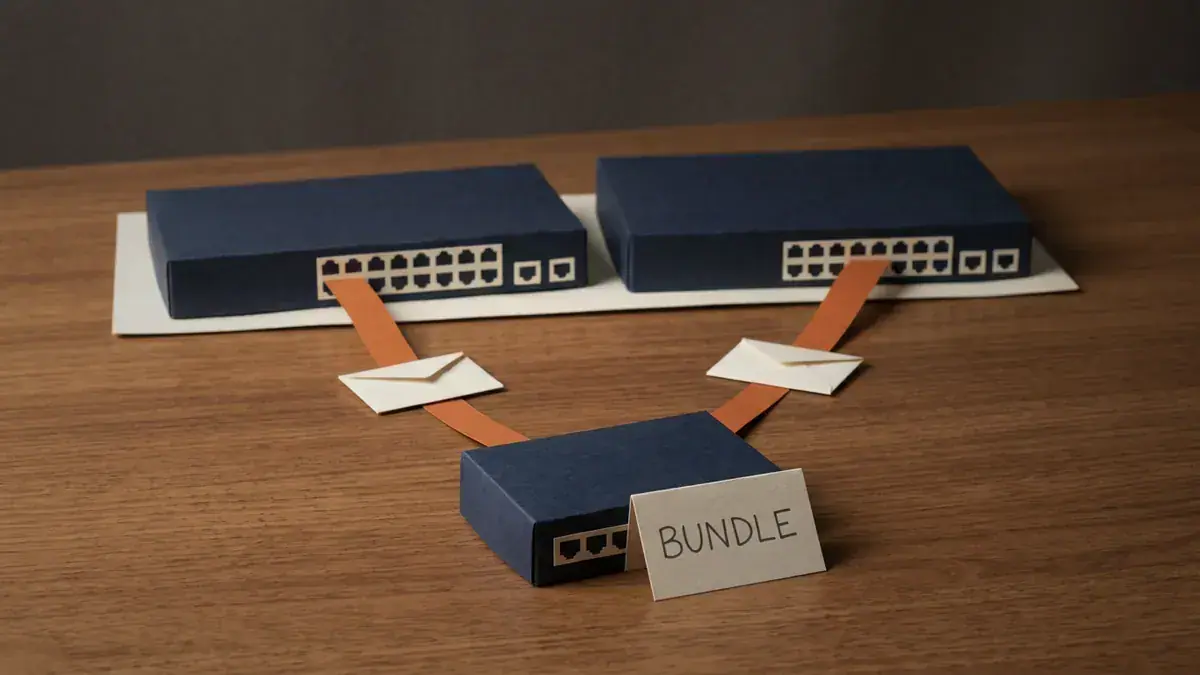
Both uplinks forward. Across 12 closets with 2 x 10G each, that’s 240G of usable uplink instead of 120G, though any single flow still tops out at 10G.
A stacked distribution layer has a terrible upgrade day. Same 240G on paper as SVL or vPC. But the upgrade reloads both members together, and the whole building loses its uplinks at once. That’s why you see stacks in closets and SVL or vPC above them.
One flow still gets 10G. Doubling the bundle doesn’t double a single transfer. EtherChannel hashing keeps each conversation on one member link.
Which Redundancy Model Fits Your Network?
Use these rules. They cover most real designs.
- Access closet, several switches, one team managing it: switch stacking. One IP, one config, cross-stack uplinks. Accept that upgrades are a closet-wide outage.
- Campus distribution or collapsed core on Catalyst 9000: StackWise Virtual. One logical switch to manage, MEC down to the closets, ISSU for upgrades. Configure DAD.
- Still running VSS on 6500/6800: you’re on borrowed time. Plan the move to SVL on Catalyst 9000.
- Data centre on Nexus: vPC. Two independent control planes, upgrade one peer at a time, and a design every server team understands.
- Need a control-plane failure on one switch to stay on that switch: only vPC gives you that here. Cisco says control plane issues “stay local to the peer device.”
You’ll often see two of these together. An access stack dual-homed into an SVL or vPC pair is a perfectly normal campus. The stack sees one upstream switch, and the pair sees one downstream port channel.
Where Does This Show Up on the ENCOR Exam?
Straight answer: the ENCOR 350-401 v1.2 blueprint doesn’t name StackWise, VSS or vPC anywhere. Search the PDF yourself. What it does list (Cisco, ENCOR v1.2 exam topics):
- 1.1.a High-level enterprise network design such as 2-tier, 3-tier, fabric, and cloud.
- 1.1.b High availability techniques such as redundancy, FHRP, and SSO.
- 3.1.b Troubleshoot static and dynamic EtherChannels.
- 3.1.c Spanning tree, including RSTP and MST.
That’s where this material lives. Expect design and “what happens when” questions under the Architecture domain (15% of the exam), not config questions on the platforms themselves. Know which models use one control plane and SSO, why MEC removes the blocked port, and what a stack does when the active fails. Item 2.1.c, “Virtual switching”, sits next to hypervisors and virtual machines, so it’s about virtual switches inside a hypervisor, not VSS. Don’t mix them up.
For the hands-on side, our CCNA Workbook includes EtherChannel and Rapid PVST+ labs, which are the building blocks every model here depends on. If you’re working towards CCIE Enterprise, take a look at the CCIE Enterprise Workbook and its 120 EVE-NG labs. And keep the free Cisco commands cheat sheet open while you lab.
Switch Stacking FAQ
What is switch stacking in networking?
Switch stacking connects several physical switches with dedicated stack cables so they act as one logical switch, with one management IP, one configuration and one active switch running the control plane. On the Catalyst 9300, a stack holds up to eight members.
How many switches can be stacked together?
It depends on the platform. Cisco’s Catalyst 9300 supports up to eight members in one stack. StackWise Virtual and VSS are always exactly two switches, and vPC is always a pair of Nexus switches.
What’s the difference between StackWise and StackWise Virtual?
StackWise uses dedicated stack cables to join up to eight access switches that sit close together. StackWise Virtual joins exactly two Catalyst 9400, 9500 or 9600 switches over regular Ethernet links, and supports ISSU and dual-active detection. Both give you one control plane.
Is switch stacking the same as trunking or cascading?
No. A trunk is a link that carries many VLANs. Cascading is daisy-chaining switches through normal ports, where each switch stays separately managed and spanning tree still blocks redundant paths. Stacking makes the switches one logical device, so you can bundle uplinks from different members into one port channel.
Does a virtual port channel have a single control plane like VSS?
No, and that’s the main difference. VSS and StackWise Virtual run one control plane across two switches. vPC keeps two independent control planes and only coordinates the shared port channels over the peer-link and peer-keepalive.
Does stacking or vPC double the speed of a single transfer?
No. Port channels hash each flow onto one member link, so a single transfer over two 10G links still peaks at 10G. You get more total capacity across many flows, plus a link that survives a failure.
Bottom Line
All three models solve the same problem: two uplinks forwarding instead of one, without a loop. They just answer “how many control planes?” differently.
- Stacking: one brain for up to eight closet switches. Easy to run, but it upgrades and fails as one.
- VSS / StackWise Virtual: one brain for two distribution or core switches, with SSO, MEC and DAD. VSS hardware is ageing out, and SVL is its Catalyst 9000 equivalent.
- vPC: two brains, one shared port channel. More to manage, but a control-plane problem on one peer stays on that peer.
Pick by layer and by how much shared fate you can live with. Then lab the EtherChannel underneath, because that’s where the exam and the outages both happen.
Sources
- Cisco, Catalyst 9300 Stacking and High Availability Configuration Guide, IOS XE 17.18: Managing Switch Stacks, accessed 2026-10-12
- Cisco, Catalyst 9300 Layer 2 Configuration Guide, 17.18: Configuring EtherChannels, accessed 2026-10-12
- Cisco, Catalyst 9300 Release Notes, IOS XE 17.18, accessed 2026-10-12
- Cisco, Catalyst 9500 High Availability Configuration Guide, 17.18: Configuring Cisco StackWise Virtual, accessed 2026-10-12
- Cisco, Configuring ISSU on StackWise Virtual, Catalyst 9500, 17.18, accessed 2026-10-12
- Cisco, Configure VSS on Catalyst 4500, updated 2023-06-20
- Cisco, End-of-Sale and End-of-Life Announcement, Catalyst 6500 Series, accessed 2026-10-12
- Cisco, End-of-Sale and End-of-Life Announcement, Catalyst 6807-XL, accessed 2026-10-12
- Cisco, Understand and Configure Nexus 9000 vPC, updated 2025-07-15
- Cisco, Understanding vPC Election Process, updated 2025-08-11
- Cisco, ENCOR 350-401 v1.2 Exam Topics (PDF), accessed 2026-10-12